Free forever
- Unlimited alarms
- 3 brain missions: math, memory and typing
- The classic sounds
Bedquit keeps ringing until you prove you are up. Solve a sum, photograph your bathroom sink, do some squats. Then it lets you go.
Coming soon on iPhone and Android
How it works
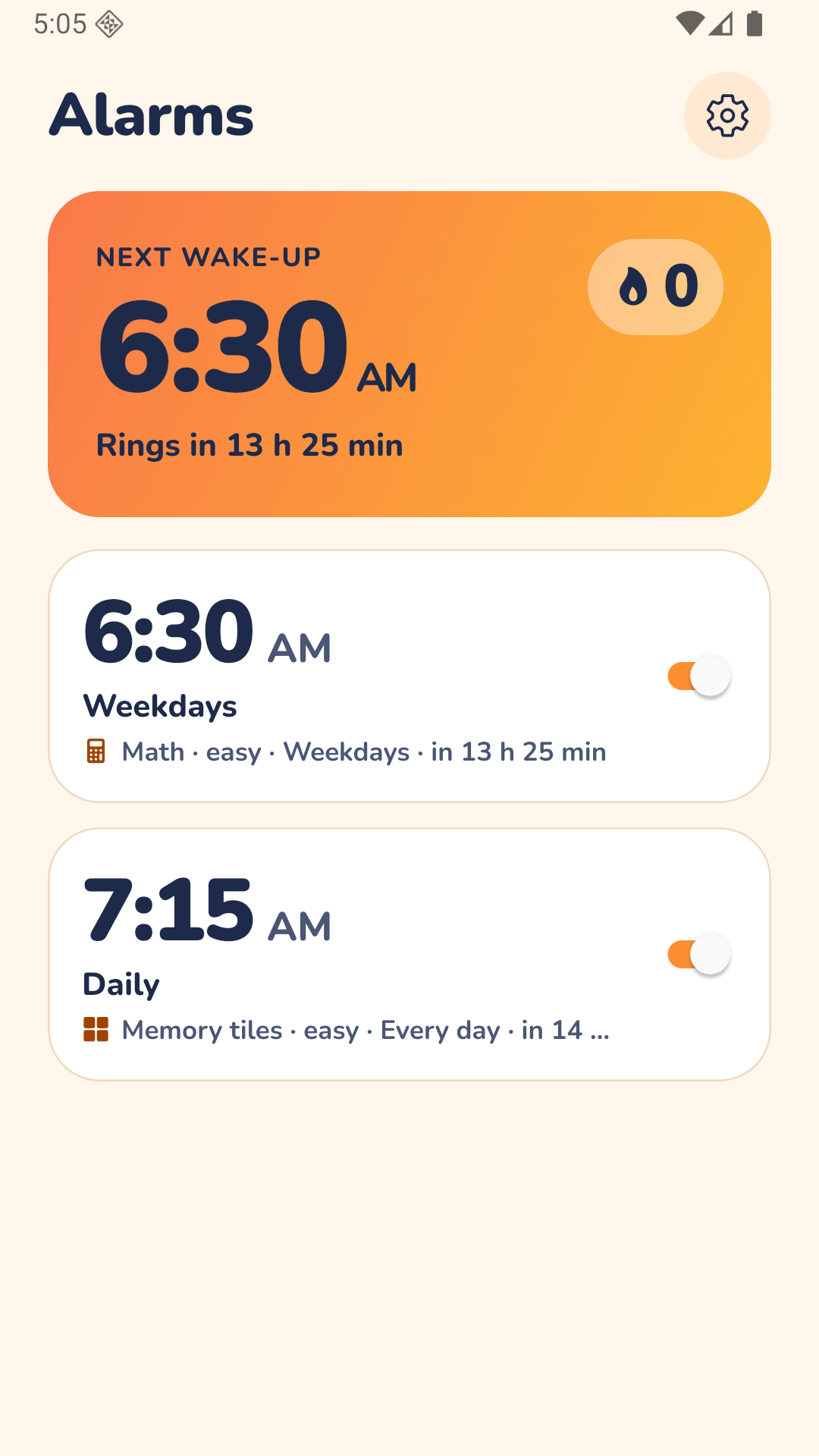
The alarm rings until you complete the mission you picked the night before. Your sleepy self does not get a vote.
Choose the time, the days, the sound and how you will have to turn it off. Easy, medium or hard.
Snooze is off unless you switch it on yourself. The only way to stop the noise is to do the mission.
By the time you are done, your brain or your legs are already working. Going back to bed is a lot less tempting.
Missions
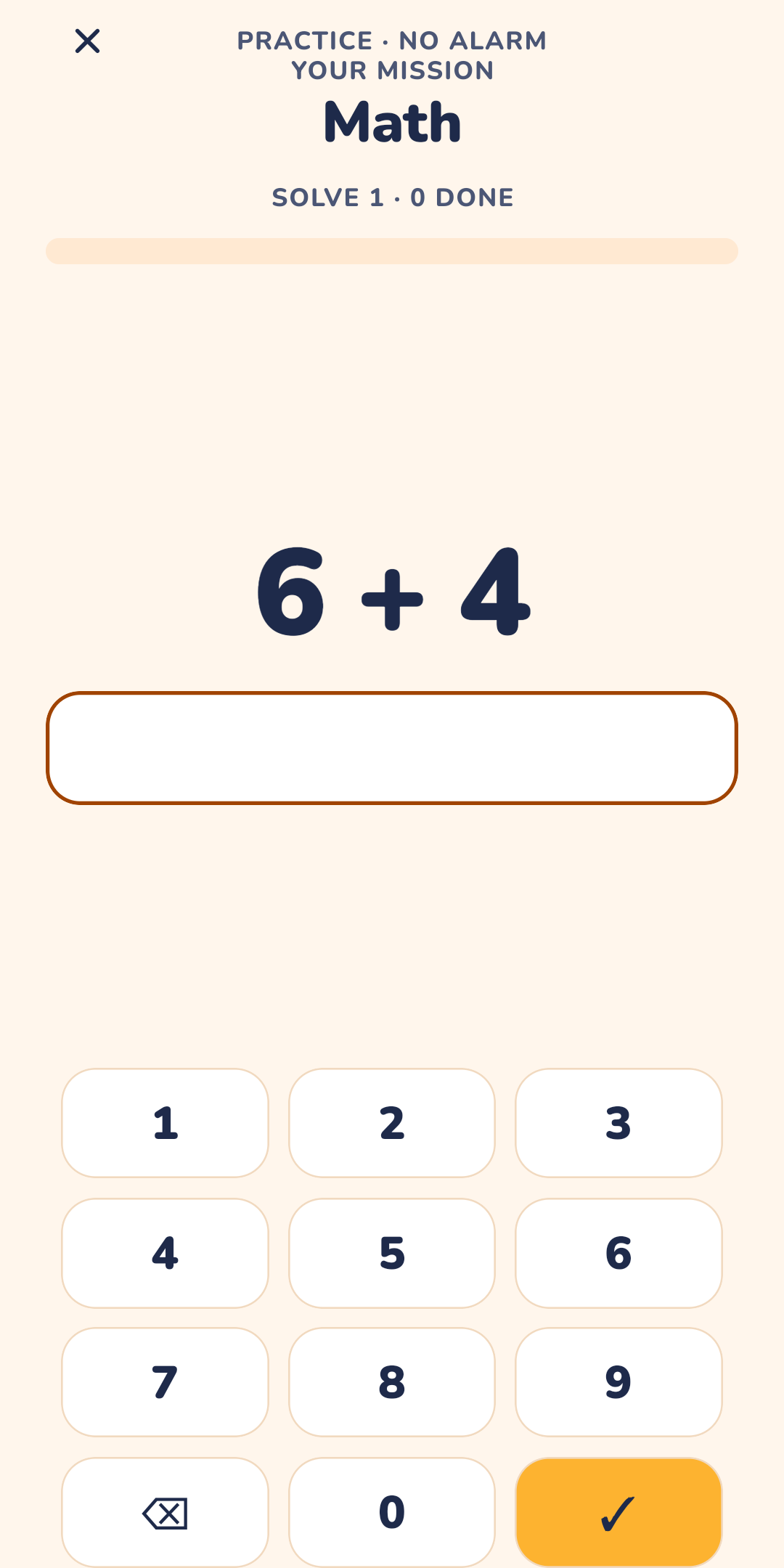
Three brain missions are free forever. Four body missions get you out of the bedroom with Pro.
Solve a quick sum to prove your brain is on.
Remember which tiles lit up, then tap them.
Type a short sentence without mistakes.
Walk to a spot you chose, like the bathroom sink, and photograph it.
Do squats in front of the camera. The app counts them.
Walk it off. Your phone counts the steps.
Shake your phone until the counter is full.
Weird Songs pack · Pro
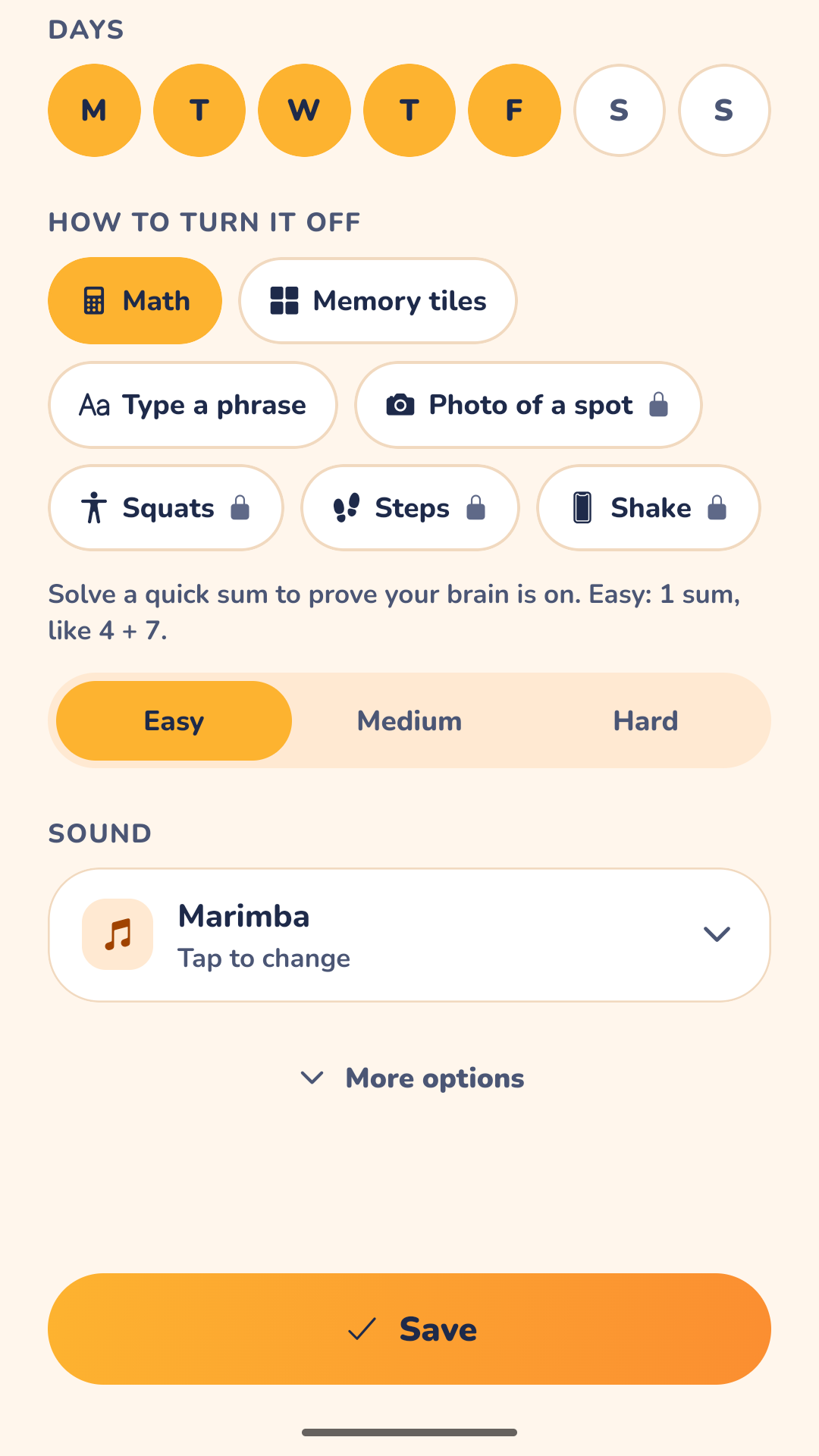
Beeps are easy to ignore. A song about your socks forming a union is not. The Weird Songs pack is 20 funny wake-up songs, included with Pro. The classic sounds stay free.
Built to actually ring
On supported phones, Bedquit rings like the built-in clock, even if you forgot to turn the sound back on.
On iOS 26 or later, with alarm access allowed, Bedquit alarms sound even when the ringer switch is off or a Focus is on. On older iOS versions alarms arrive as notifications and cannot override silent mode or Focus, so keep the ringer on.
Bedquit turns the alarm volume all the way up while it rings and puts it back afterwards. The alarm screen opens over your lock screen, and your alarms are restored after a restart.
Streaks
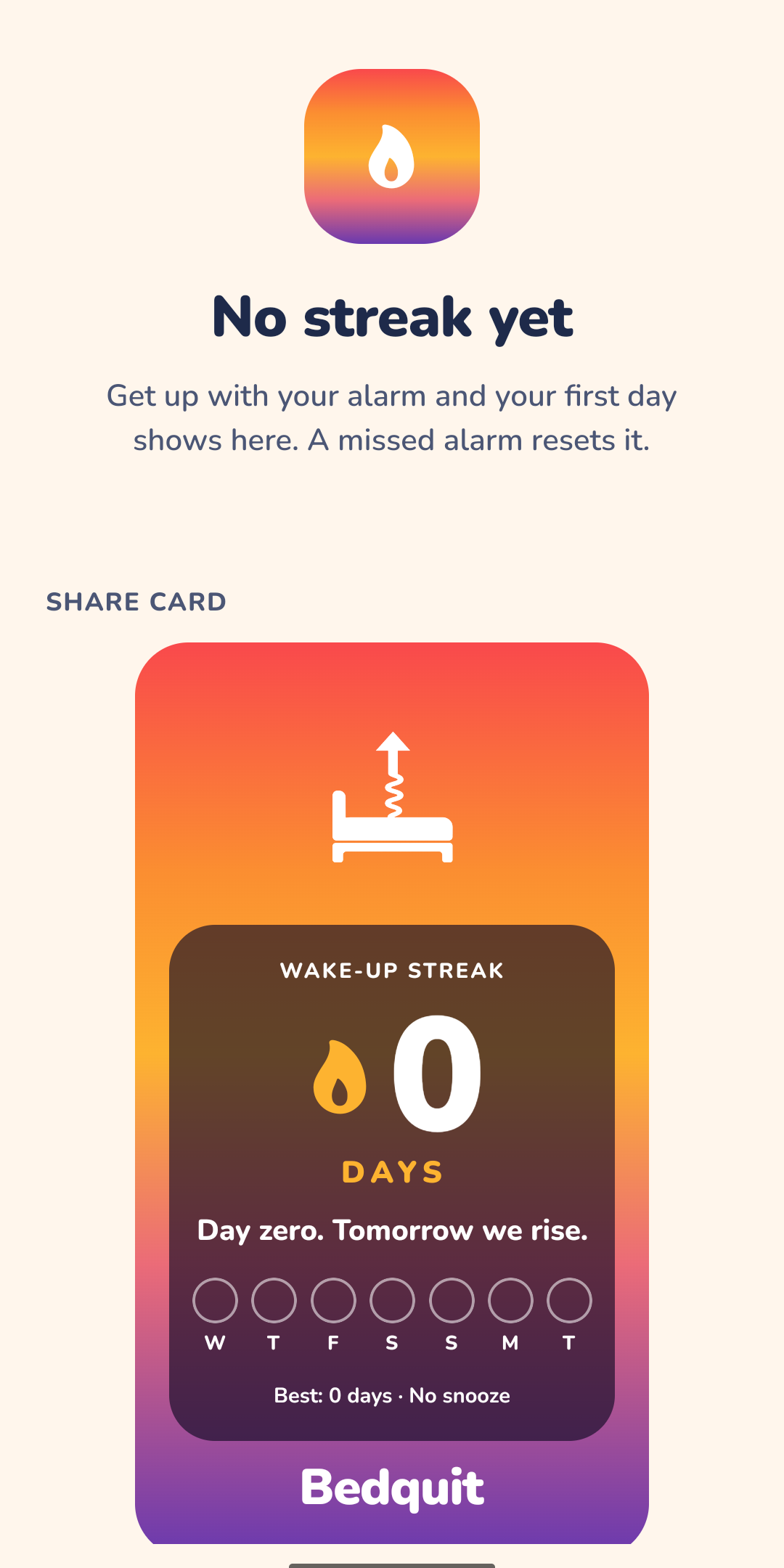
Every morning you beat your alarm adds a day to your streak. A missed alarm resets it.
Pricing
7-day free trial on the yearly plan only, and we send a reminder 2 days before the trial ends. Prices may differ slightly by country and local tax.
FAQ
Bedquit is coming soon on iPhone and Android. It is not in the stores yet.
Snooze is off by default, and the alarm only stops when you finish the mission. If you want a little mercy, you can allow a limited number of snoozes in the settings. Off works best.
If the camera or a sensor is not available when the alarm rings, a backup task steps in, so the alarm can always be turned off. You can also try any mission in practice mode before you rely on it.
No. If nobody completes the mission, the alarm gives up after a while and that morning counts as missed.
No. The photo and squat missions use the camera, and the images are processed on your phone and never uploaded. Bedquit works without an account. The privacy policy has the details.
Unlimited alarms, 3 brain missions (math, memory, typing) and the classic sounds, free forever and with no ads at all.
Subscriptions are billed by Apple or Google, so you cancel in your App Store or Google Play subscription settings. The support page has the steps.
Please do not. Bedquit is an alarm clock app, not a safety device. Phones run out of battery, and system settings can stop any app from ringing. For a flight or a medical appointment, set a second alarm on another device.